
Mostbet Registration and Login
Registering for Mostbet in India sets up one profile that works on both the website and mobile apps. Users in India can tap into sports betting markets and play casino games using a single account. The Mostbet sign-up process wraps up in less than two minutes, needing just some personal info. Payment options let you deposit and withdraw in ₹, and the verification connects the profile to documents. Login details function on all devices, and the same balance shows up everywhere once you finish registration.
Registration Methods for New Users
Mostbet offers four registration options that cater to preferences and habits of players in India. Each method takes less than two minutes and brings you to the same profile, giving complete access to betting sections, casino games, and bonuses.
- One-click sign-up automatically assigns credentials, allowing users to add their profile details later;
- Phone registration requests a mobile number and verifies your identity with an SMS code sent immediately;
- Email registration needs an email address and sends an activation link to finalize account setup;
- Social network options connect existing accounts from platforms when applicable in India.
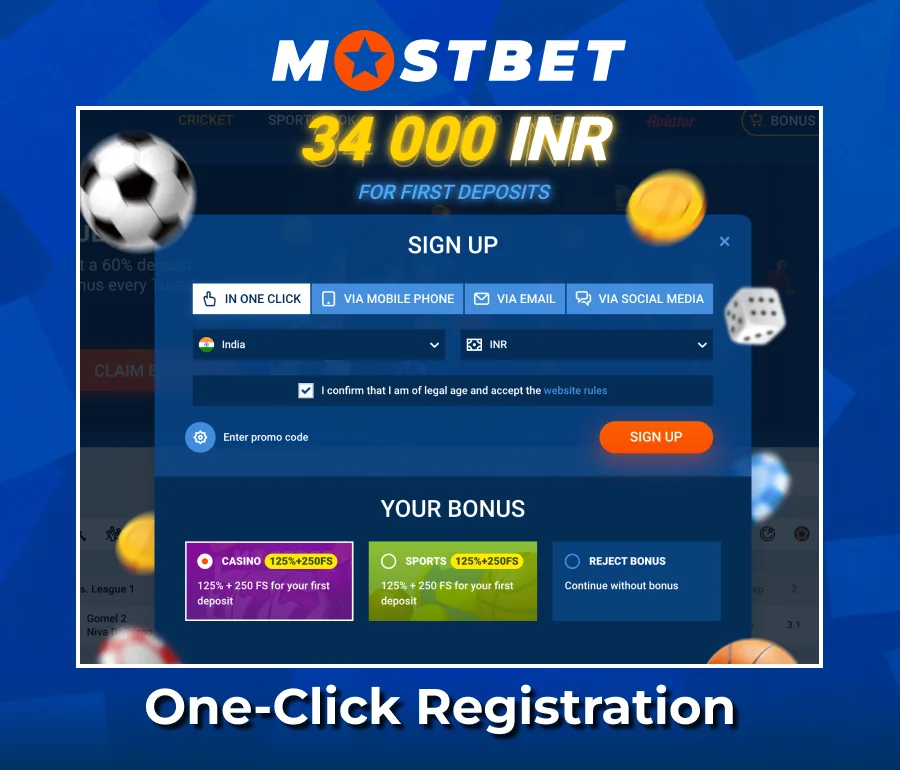
How to Use One-Click Registration
Account setup involves actions for Indian users who value speed over filling out forms manually.
- Click the one-click registration button on the homepage.
- Select India from the country dropdown menu.
- Choose ₹ as your currency to match payment choices.
- Allow automatic password creation or opt for a manual one.
- Finish profile details after the first login to enable withdrawals.
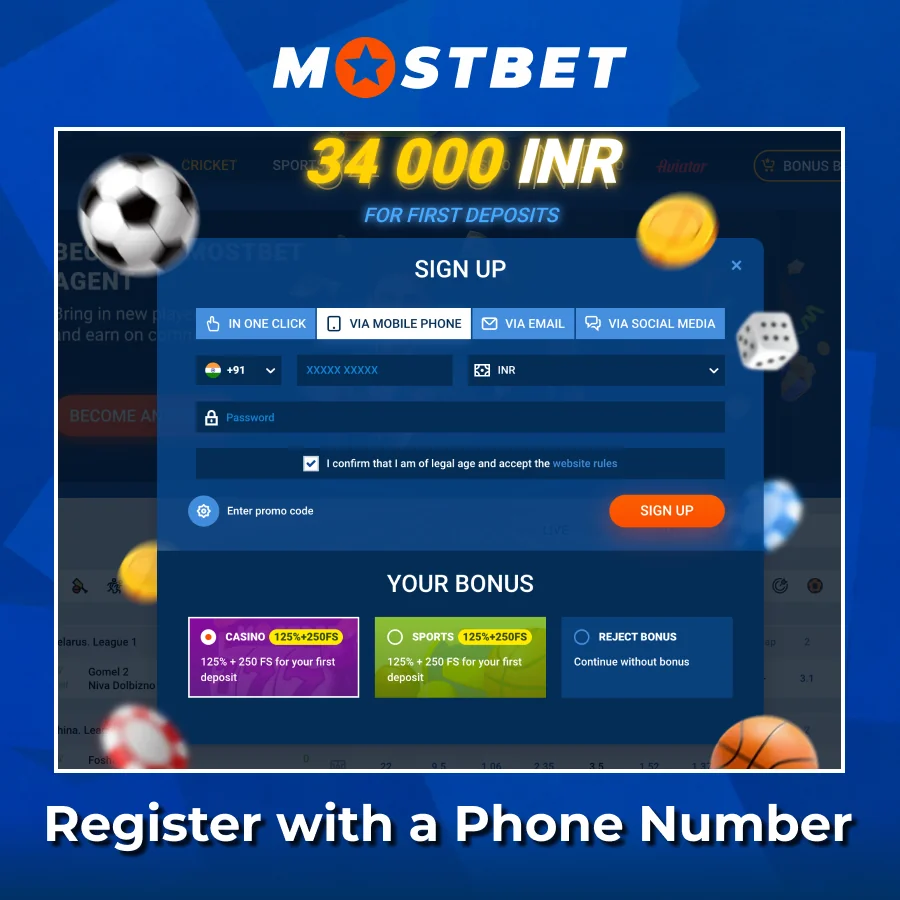
How to Register with a Phone Number
Phone registration takes less than a minute and ties your account directly to an Indian mobile number for SMS confirmation.
- Click the registration button and pick the phone registration option.
- Input your mobile number with the +91 country code for India.
- Get the SMS confirmation code sent by Mostbet.
- Enter the code you received into the verification field.
- Create a password and confirm it in the next field.
- Add a promo code if you have one to access bonus offers.
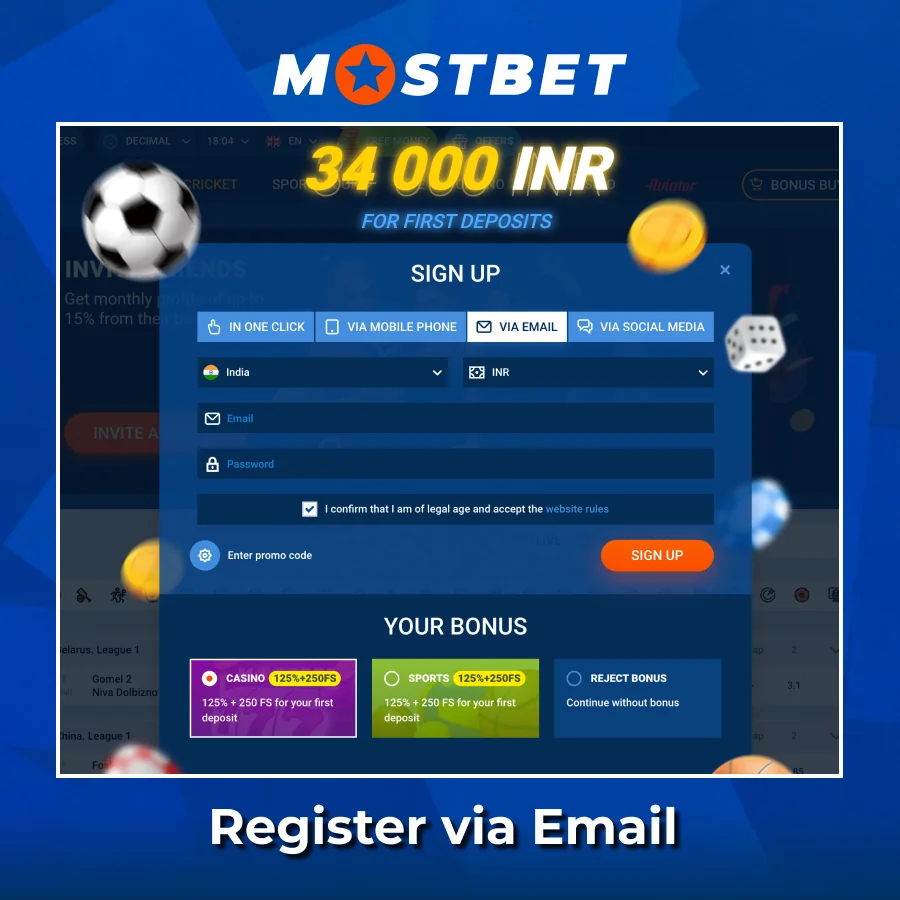
How to Register via Email
Email registration calls for actions that lead to complete profile setup. Users need to fill out the form with their contact information and personal details before they get a confirmation message in their inbox.
- Hit the registration button and choose the email sign-up option.
- Provide an email address and create a password for future logins.
- Choose ₹ as your account currency and pick your region or state from the dropdown list.
- Look in your inbox for the activation link sent by Mostbet, then click it to confirm.
- Finish the confirmation before your first login to access deposits and bonuses.
How to Sign Up Through Social Networks
Mostbet allows you to sign up using social media accounts linked to services available in India. Users hit the registration button and pick their social service from the icons shown. The system requests your okay to access profile details and automatically fills in your name, email, and contact information. After logging in, users should fill in any missing information such as their phone number, currency choice, and promo code in the profile section to finalize their account setup.

Requirements to Create an Account
Mostbet lays down eligibility criteria for all new sign-ups to ensure operations throughout India. The site checks a bunch of things before you can access the sports betting and casino areas.
- Age requirement is 18 or whatever the legal age is in your state;
- You need to prove you live in India with a address;
- An active mobile number registered in India that can get SMS codes;
- An email address for notifications and password resets;
- Payment methods must be in your name only;
- They enforce a one-account rule – having duplicate accounts can get you suspended;
- Be ready with documents issued by the government for later verifications.
How to Get Through Account Verification
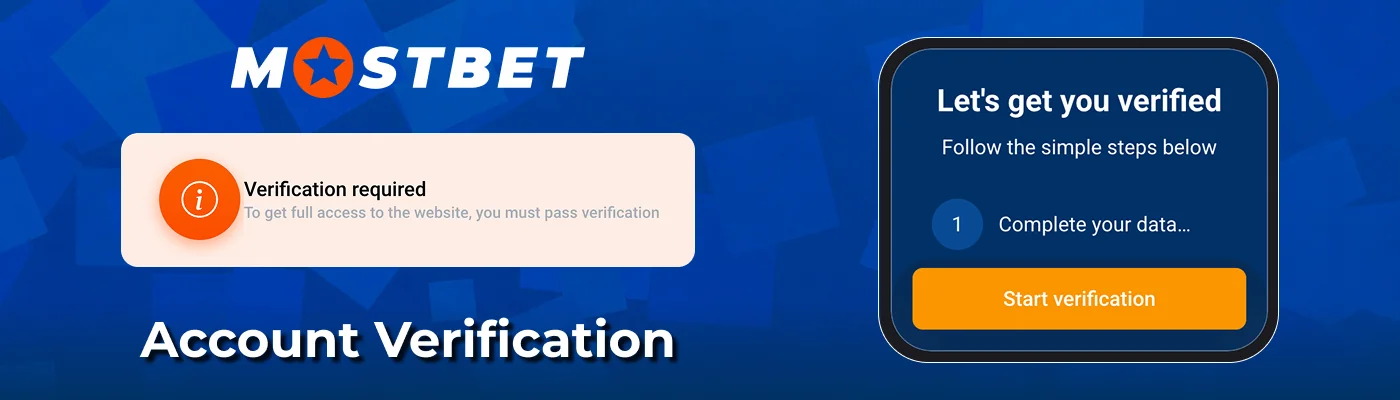
The verification kicks off after you wrap up your Mostbet India Registration and helps avoid any delays or blocks when you want to withdraw. KYC documents confirm that the profile is linked to the individual who deposited money and requested withdrawals.
- Log in and navigate to the profile section in personal settings.
- Upload a scanned version of your PAN card, Aadhaar, or passport as an ID.
- Provide proof of address using a utility bill or bank statement.
- If the support team asks, take a selfie holding the document for identity verification.
- Verify your payment method by uploading a screenshot from your e-wallet or banking app.
- Keep an eye on your profile for status updates, which should appear within 24 to 72 hours.
- Reach out to support if the verification hasn’t finished in three days.
Using a Promo Code When Signing Up
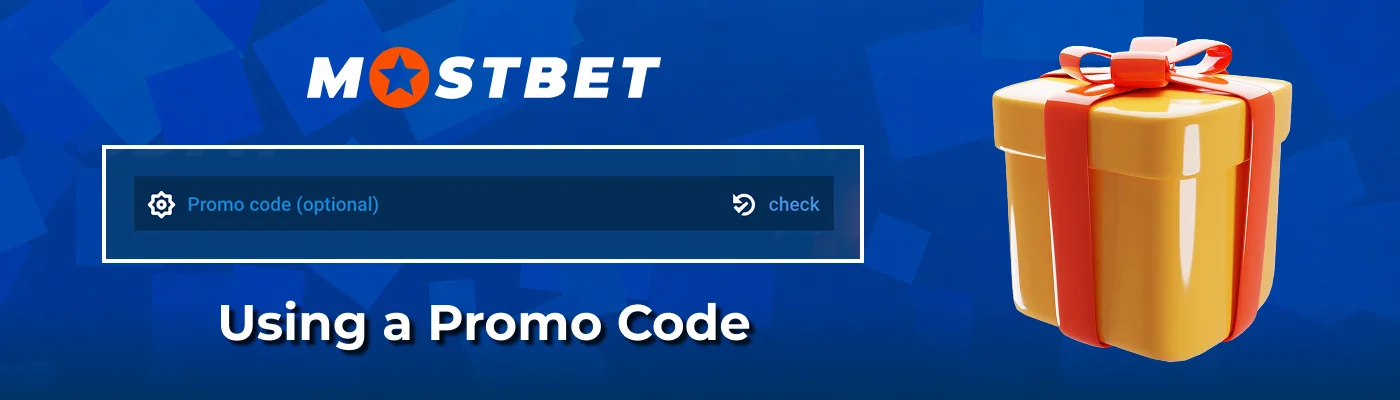
The Mostbet India registration form has a spot for new users to enter promo code XXXXX, allowing them to get terms on the welcome bonus. The field shows up on the first sign-up screen, prior to completing the account creation. Entering the promo code XXXXX boosts your initial deposit bonus percentage from 100% to 125% or even higher, depending on the promotion details. Some codes grant 50 free spins on certain slots or include a cashback deal, like ₹1,000 back after you’ve lost ₹5,000. All codes only kick in once a qualifying initial deposit hits the minimum amount, which is typically ₹300 or ₹500.
How to Log in to Your Account
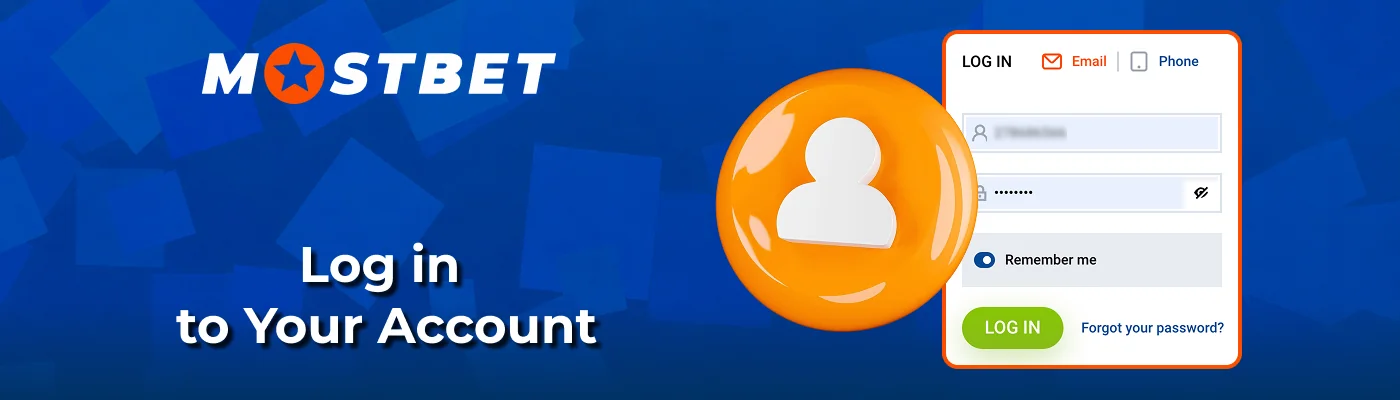
Mostbet login provides access to betting areas, casino games, and the cashier right after you sign up. Getting into your account is easy on any device if users keep their login information safe. Two-factor codes keep your transactions safe, while checking the remember-me box makes logging in quicker on devices like phones and laptops.
- Visit the official site or app and click the login button at the top.
- Input your registered email address or phone number in the first field.
- Enter your password in the second field and check remember-me if the device is private.
- Verify the two-factor code sent via SMS if that option is turned on.
- Hit the final login button and wait a couple of seconds for the system to load your profile.
- Go to the cashier tab on the left menu or access profile settings from the header icon.
Common Registration Problems and Fixes
Registration hiccups can happen for various reasons, from network issues to data entry mistakes, and each error message provides a fix. Mostbet provides alerts when something goes awry during the signup process, allowing users to resolve issues on their own without needing to reach out to support in many instances.
- Wrong SMS code: Make sure the number format includes the +91 prefix and wait 60 seconds before requesting another code;
- Email not arriving: Check your spam folders or add the sender to your safe list, then ask for a new confirmation link;
- Duplicate account attempt: Each person can only register once, so using password recovery will help get past login issues;
- Weak password: Use at least 8 characters that include uppercase letters, lowercase letters, and numbers to meet requirements;
- Wrong currency: Choose ₹ during signup since you can’t change the currency once confirmed.
How to Recover Your Account Password
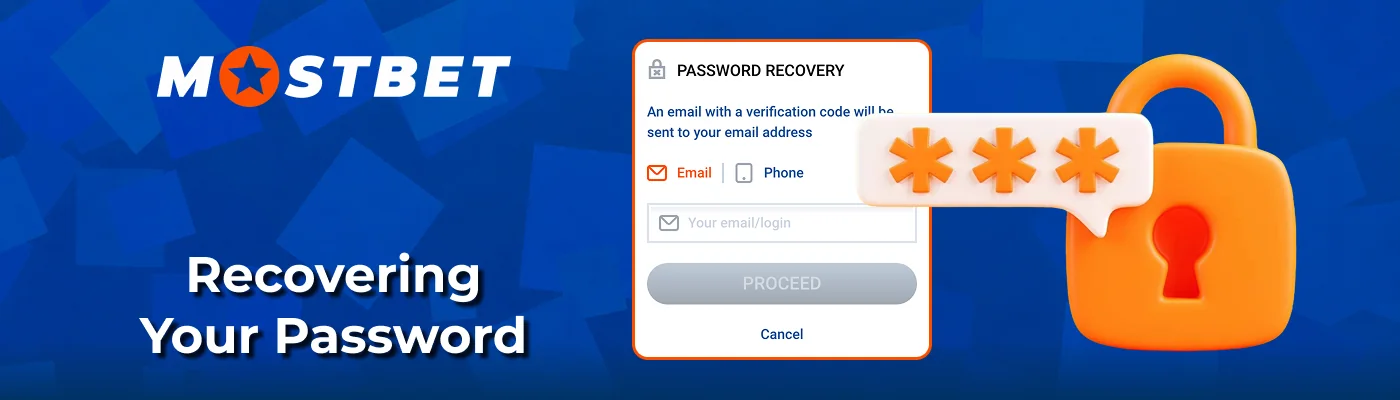
Getting locked out of your profile can happen if you forget your login details or lose access to saved passwords. Password recovery helps users get back to the cashier, bonuses, and betting areas in less than five minutes using two main contact methods.
- Open the login form and click the password recovery link located below the fields.
- Select either email or phone as the method for receiving the reset link or confirmation code.
- Input the registered email address or mobile number tied to your account.
- Check your inbox or SMS folder and follow the reset link or enter the code on the site.
- Create a new password that meets the required length and character standards.
- Log in again with your new password to regain access to your profile.
Online Registration and Login through Mobile App
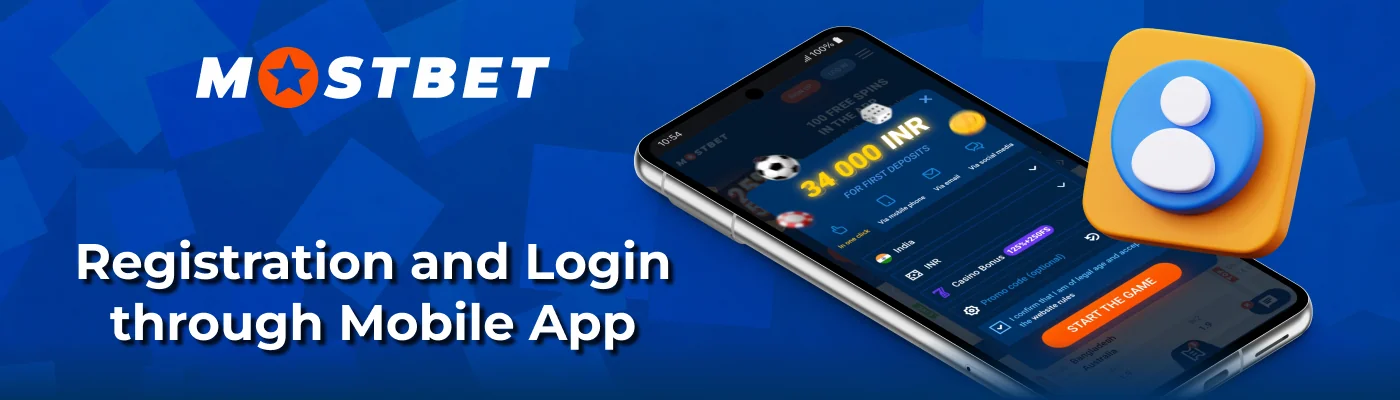
The Mostbet app makes it easy to register and log in on mobile, featuring a form similar to the desktop version but designed for screens. Android users get the APK from the official site, while iOS users find the software via other distribution methods. Both versions link up to the same account system and keep things balanced.
| Aspect | Android | iOS |
|---|---|---|
| Download source | APK file from Mostbet site | Alternative store or web clip |
| Registration fields | Phone, email, currency, password, promo code | Phone, email, currency, password, promo code |
| Promo code use | XXXXX field visible during sign up | XXXXX field visible during sign up |
| Biometric login | Fingerprint and face unlock supported | Face ID and Touch ID supported |
| Shared balance | Same ₹ balance as web account | Same ₹ balance as web account |
How to Delete Your Account
Mostbet lets users in India close their accounts through support or settings if they want to stop all activities. The process involves a few checks to keep balance and identity safe. Remaining funds need to be taken out before you can delete your account.
- Log in and transfer any remaining balance to your verified payment method.
- Reach out to support via live chat or email and let them know you want to delete your account.
- If asked, send in documents to verify your identity.
- Wait for a confirmation that your profile has been blocked or permanently deleted.
FAQ
Can I sign up on Mostbet without a phone number?
Yes, you can create an account using just your email without needing to provide a phone number at first. However, Mostbet might ask for that number later when they check your details or during the withdrawal process.
How long does it take to verify with Mostbet?
Typically, KYC checks finish within 24 to 72 business hours under normal circumstances. Verification can take longer during busy times or if the support team asks for more documents to confirm your identity.
Is it safe to keep my personal information on Mostbet?
Your personal data is kept in your account with encryption in place. Create a password that includes numbers and symbols, and make sure not to share your login details with friends or family.
Can I log in to Mostbet on multiple devices at the same time?
Absolutely, you can log in on several devices at once without any issues. Users can log into their account using a phone, tablet, or computer simultaneously. Always sign out on devices that you share with others.
Which payment options can Indian users use for their initial deposit?
Wallets like PhonePe, Paytm, and Google Pay can be used to make deposits. UPI deposits go hand in hand with IMPS transfers. Crypto options and ByBit wrap up the choices once you finish signing up.